
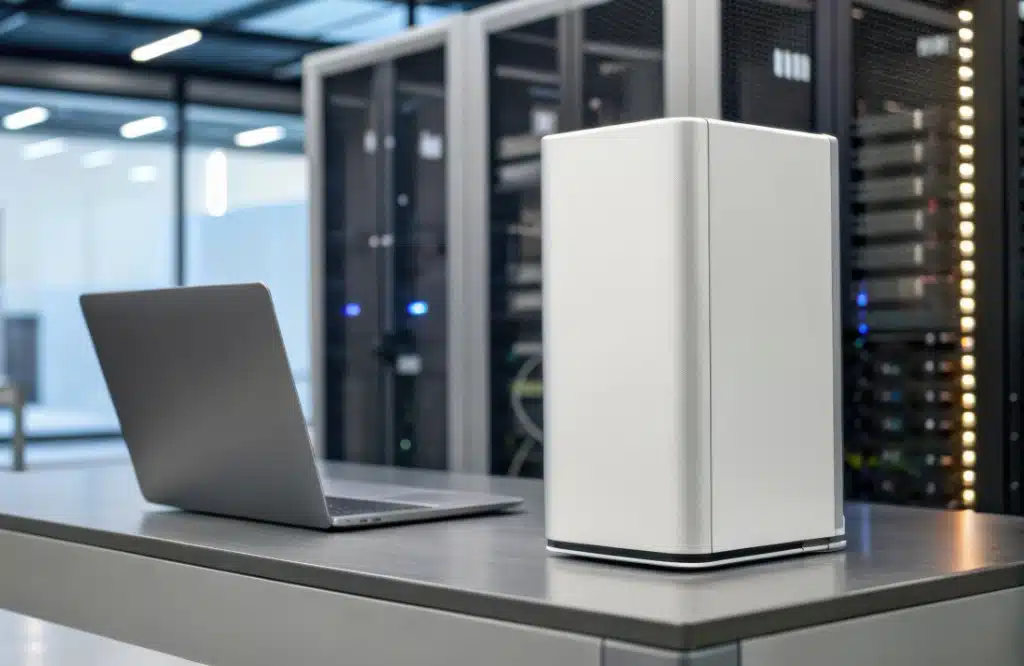
As the year comes to a close, many business owners and managers move through the same routine: reviewing budgets, setting new goals, and clearing out that one closet filled with forgotten laptops, old servers, and half-working printers. A simple cleanup gives you more than extra shelf space; it gives you a clear view of what still serves your business and what’s holding you back. Effective IT asset management starts with that clarity.
In this guide, we discuss how to evaluate your IT devices and decide whether to retire, refurbish, or repurpose them before stepping into the new year.
Warning signs your IT devices are becoming a liability
A stack of outdated devices might seem harmless, but aging equipment often becomes unreliable, creating potential failure points. As you evaluate what to keep and what to retire, watch out for these warning signs:
Your team is losing time to slow, faulty devices
Sluggish hardware doesn’t just frustrate your team; it hampers productivity. Long boot times, crashing applications, and laggy performance create unnecessary downtime. Gradually, these delays compound into significant losses in efficiency and morale, costing your business time and money.
Your devices can’t keep up with modern security standards
Older devices often can’t run the latest operating systems or receive security updates. So, when they stay on your network, they create easy entry points for cybercriminals. A single unpatched device is enough for someone to steal sensitive data or launch a cyberattack.
Your hardware is failing more often and causing unexpected downtime
When outdated devices fail, it can lead to costly emergency repairs, unplanned replacement expenses, and operational disruptions. Worse, prolonged downtime can damage customer trust if your ability to deliver services is compromised.
Your outdated equipment creates compliance or legal risks
Any device holding customer or employee data must be disposed of responsibly. Regulations require certified eWaste handling and complete data sanitization. Otherwise, improper disposal can result in fines or legal issues.
The 3 R’s of smart IT asset management
Once you’ve identified aging or unreliable equipment, the next step is choosing the right path forward: retire, refurbish, or repurpose.
When to retire IT equipment
Retiring an IT asset means removing it from service permanently. A device should be retired if:
- It’s broken beyond reasonable repair: If repairs cost more than half the price of a replacement, upgrading is the better investment.
- It creates a security gap: IT equipment that can’t support modern operating systems (e.g., Windows 11) or current security updates introduces too much risk.
- It has reached end-of-life status: When manufacturers stop producing parts or offering support, downtime and security issues become far more likely.
An important note on disposing of IT assets: You can’t just throw old computers in the dumpster. For proper disposal, you must use a certified eWaste recycler.
Most importantly, all data must be securely and permanently erased. Simply deleting files isn’t enough. To protect your company’s sensitive information from unauthorized access, you should have a professional sanitize the hard drive.
When to refurbish IT equipment
Refurbishing is ideal for equipment that still has solid components but suffers from performance issues. A few upgrades can extend a device’s life without the cost of a full replacement.
Consider refurbishing a device if:
- The warranty recently expired: Devices around three to four years old often just need minor upgrades.
- It runs slowly but works reliably: Often, a slow computer just needs a new solid-state drive or more memory (i.e., RAM). These parts are inexpensive and can make an old computer feel brand new.
- The exterior is in good condition: If the computer’s screen, case, and keyboard are intact, internal improvements are usually worthwhile.
When to repurpose IT equipment
Repurposing IT equipment involves reallocating a device from a high-demand user to a lower-demand one. For instance, a graphic designer requires a fast, high-performance computer to run resource-intensive design software. When that computer becomes slightly outdated and struggles to meet their needs, it may still be perfectly suitable for a receptionist whose tasks are limited to checking emails and using basic programs such as Word.
Repurpose a device if:
- It functions well but is no longer fast enough for its current user.
- A lower-intensity role can make effective use of it.
For example, older tablets can be repurposed as conference room schedulers, and outdated laptops can be transformed into visitor check-in kiosks or dedicated workstations for interns. This approach allows you to maximize the value of your IT hardware while still meeting your team’s needs.
Key considerations for retiring, refurbishing, or repurposing IT devices
When deciding whether to retire, refurbish, or repurpose your IT devices, consider the following:
- Warranty status: Devices under warranty are often worth keeping or repurposing. Out-of-warranty equipment, however, requires a more thorough assessment.
- Maintenance history: A device with a history of frequent repairs or recurring issues is often best retired.
- Usage logs: Check for idle devices. For instance, a workstation that hasn’t been logged into for months could be decommissioned or reassigned to a more suitable role.
Get a head start on your IT asset review
Old hardware becomes costly when it fails at the wrong moment. A year-end review helps you begin the new year with updated equipment, fewer vulnerabilities, and a more predictable IT budget.
Start with a walkthrough of your office, identify older devices, tag them, and apply the retire-refurbish-repurpose framework. A structured cleanup like this not only gives you a clearer picture of your current environment but also helps you plan smarter upgrades for the year ahead.
If you’re uncertain which systems are still reliable or which devices could be repurposed, the IT experts at SpectrumWise are here to help. We specialize in maximizing the value of your IT assets, protecting your data, and minimizing disruptions. Get in touch with us today to make sure your technology is ready to support your business goals in the coming year.